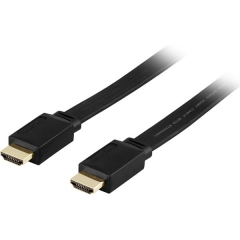
HDMI -cable
HDMI cables support up to 10K video and 8ch audio. They also support HDCP encryption for the latest HD content. For almost all purposes, one HDMI cable is all you need to connect your computer or video device to your monitor or TV.
There are A, C, D and E versions of HDMI, with A being the most common. The letters determine the size and use of the connector. Version numbers range from 1.0 to 2.1, of which v.1.0 is capable of full HD (1080p) at 4.9Gbps and the latest v.2.1 is up to 8K at 48Gbps. HDMI cables and ports are extremely easy to use and connect as easily as USB devices.
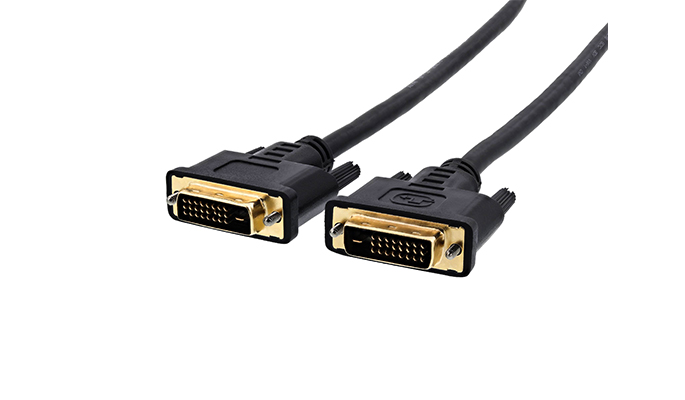
DVI -cable
DVI can stream up to 1920 x 1200 HD video, and dual-link connectors support up to 2560 x 1600 pixels. Some DVI cables and portals have fewer "pins" and are designed for lower resolution devices. If your device has all the pins on the port, it supports maximum resolution without problems. You should check this before purchasing a new cable. The biggest problem with DVI is that it does not support HDCP encryption by default, so if your device only has DVI ports, you may not be able to play HD-Blu-ray or other HD content..
You can connect a newer DVI display to the HDMI port with a small digital converter. However, since DVI does not support audio, you will need to use a separate audio cable to connect to the HDMI port. This feature makes DVI one of the most versatile connectors. You can also connect an older display that only has a VGA port and a DVI port easily via the same DVI to VGA converter if the video output supports analog video.
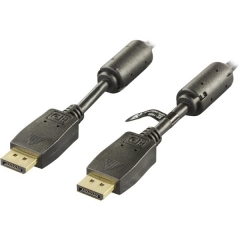
Displayport
Displayport is another new video connector designed to succeed the DVI and VGA of computers. However, it is not as popular as DVI or HDMI. However, Displayport is included with all the latest Macs and PCs. Very similar to HDMI, it transmits both HD video and audio with the same cable and supports video up to 8K resolution. Only Few monitors and TVs support Display ports, so you will need an adapter if you want to connect your laptop to larger screens.
For example, if you connect your computer to a TV, your choice may be HDMI, DVI or Displayport. HDMI and Displayport save a lot of hassle because audio and cable running on the same cable. The DVI video signal is basically the same as HDMI but does not support audio, so you will need to use a separate audio cable.
The cable should always be selected for its intended use. We want to help you make your choice, so we listed the most common uses for each cable.
HDMI
- TV
- Game consoles
- DVD
- Blu-ray
- Ethernet
- Ultra HD 10K
- LCD-Screens
- Audio output device
DVI
- LCD-Screens
Displayport
- TV
- Game consoles
- DVD
- Blu-ray
- Ultra HD 8K
- LCD-Screens